Kindle EPUB fixer
Fix a Kindle EPUB privately
Diagnose cover metadata, package, manifest, spine and XML problems before sending again.
Open tool guide →EPUB and Send to Kindle help
These thirty-four guides and four browser tools separate opening, archive, validation, formatting, fixed-layout, delivery, account and sync problems—so you can take the next useful step instead of repeatedly exporting the same EPUB.
Interactive starting points
Validate a package, diagnose a Kindle repair, translate an EPUBCheck message, generate fixed-layout scaffolding, or separate a file problem from an Amazon delivery problem.
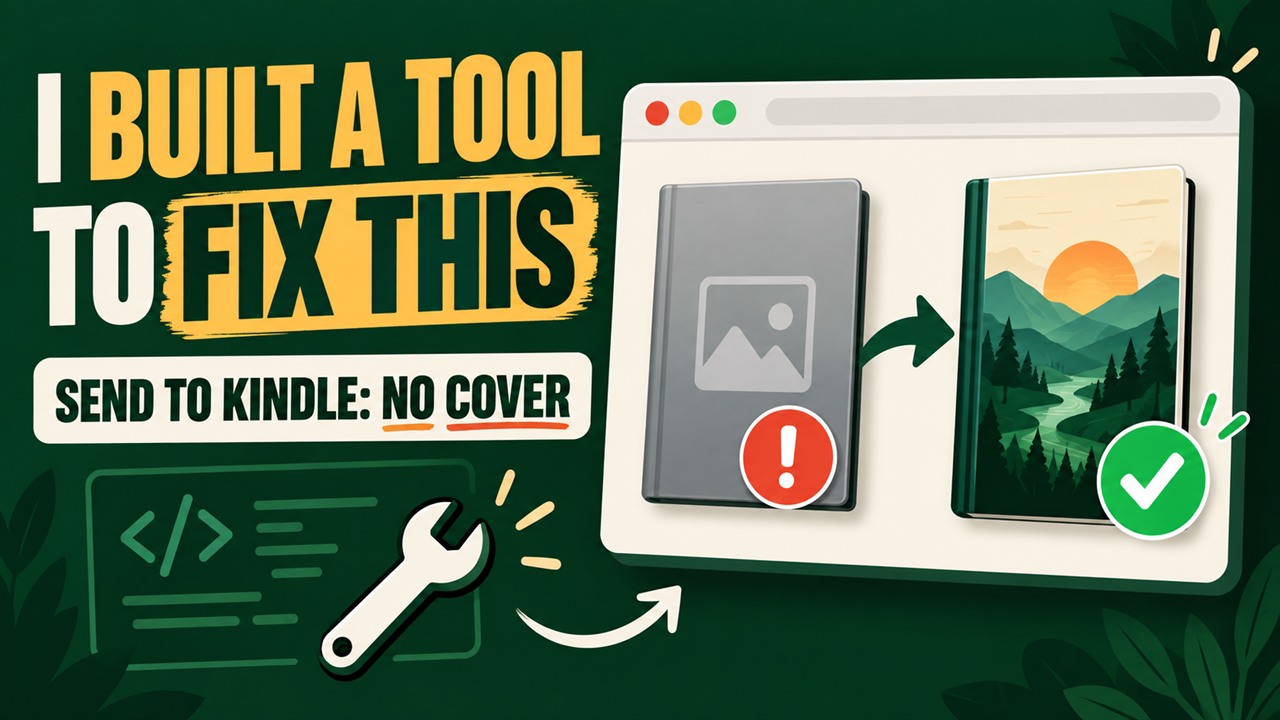 Watch on YouTube
57-second walkthrough
The short demo shows the missing-cover and failed-upload checks before you choose the guide that matches your symptom.
Watch the repair demo →Kindle EPUB fixer
Diagnose cover metadata, package, manifest, spine and XML problems before sending again.
Open tool guide →Technical reference
Use citable package diagrams, before-and-after XML, repair boundaries, and a free reproducible test EPUB.
Open reference →Missing cover
Diagnose a grey or generic book tile after an EPUB reaches Kindle.
Read guide →Delivery rejected
Find package, manifest, spine and XML problems behind a failed delivery.
Read guide →Cover metadata
Understand EPUB 2 and EPUB 3 cover declarations and path rules.
Read guide →Decision tree
Match the visible symptom to an upload, account, sync or EPUB fix.
Read guide →Conversion error
Translate Amazon’s generic message into a useful EPUB inspection order.
Read guide →Sending methods
Choose the web, mobile app or email route and verify delivery.
Read guide →Library sync
Check account, filters, sync and processing before changing the file.
Read guide →Preflight check
Check the container, package, resources and cover before upload.
Read guide →File size
Reduce EPUB size safely without breaking images, fonts or references.
Read guide →Processing delay
Decide when to wait, resend, check the service or repair the EPUB.
Read guide →Delivered but missing
Trace the document through account, cloud library, filters and device sync.
Read guide →Library views
Understand which view proves delivery and which view only shows local files.
Read guide →iPhone and iPad
Use Files and the share sheet, then verify the receiving account and result.
Read guide →Email setup
Match the destination and approved sender before attaching the book.
Read guide →Email troubleshooting
Check addresses, approval, response messages and one known-good file.
Read guide →Service error
Preserve the file, avoid duplicates and run one controlled comparison.
Read guide →Missing pictures
Check packaged resources, manifest items, paths, formats and color behavior.
Read guide →Title and author
Fix the package metadata Kindle uses instead of the uploaded filename.
Read guide →EPUB compatibility
Understand why Send to Kindle support is different from raw USB transfer.
Read guide →Download problem
Check cloud availability, Wi-Fi, account, storage, filters and sync.
Read guide →Fixed-layout repair
Repair pre-paginated metadata, page viewports, resources, spine order and fixed-canvas CSS.
Open repair guide →Kindle fixed layout
Understand KDP support, personal-document limits, scaling and conversion checks.
Read Kindle guide →Format decision
Compare design control, readability, accessibility, device support and maintenance.
Compare formats →Fixed-layout validation
Check every structural and visual layer before publishing or sending the book.
Open checklist →Fixed-layout creation
Build package metadata, page viewports, the manifest, spine, navigation and CSS canvas.
Open workflow →PDF conversion
Choose EPUB or Print Replica, preserve text and rebuild each page deliberately.
Compare paths →Corrupted file
Separate damaged ZIP data from repairable container, package, path and XML errors.
Start recovery →Validation errors
Triage fatal archive, package, resource, markup and CSS messages in the right order.
Open error guide →Visual formatting
Repair spacing, text, fonts, images and fixed-page geometry without flattening the book.
Open formatting guide →AI file support
Understand current upload support and prepare a clean, permitted text or PDF copy for reliable analysis.
Read the answer →Open and read
Choose a reader for Windows, Mac, phone or Kindle and diagnose a book that will not open.
Open the guide →Amazon identifier
Separate an Amazon catalog, edition or marketplace problem from an EPUB file problem.
Check the ASIN path →