Amazon catalog identity
Invalid ASIN on Kindle: what to check
An ASIN identifies an Amazon catalog item. It is not the same as the metadata inside a personal EPUB, so editing the EPUB usually cannot repair an invalid-ASIN message.
First distinction
Store book or personal document?
A KDP ebook receives an Amazon ASIN and has a product detail page. An EPUB delivered through Send to Kindle is a personal document and is not fixed by inserting a store ASIN into its OPF metadata. Identify which path produced the message before changing the file.
Check the ASIN itself
Amazon describes the ASIN used in book links as a 10-character identifier. Copy it from the KDP Bookshelf or the book’s Product Details section instead of retyping it from an old spreadsheet, URL or report. Do not substitute a print ISBN for the Kindle ebook ASIN.
Check the edition and marketplace
A Kindle ebook, paperback and hardcover can each have different identifiers. Confirm the error refers to the intended format. Also test the product page in the correct Amazon marketplace; availability varies by territory, and a valid item may not be offered in every store.
Check publication state and timing
A draft, blocked, unpublished or recently republished title may not resolve like a live detail page. KDP notes that a newly published or republished book can take time to appear in search results. Use the direct product link and KDP Bookshelf status before assuming the identifier itself is malformed.
If you are linking book formats
Amazon normally links ebook, paperback and hardcover editions when their title, subtitle, author, contributors, language, series and edition metadata match. If formats remain separate after the stated processing period, follow KDP’s linking support process and provide the ebook ASIN plus the print ISBN.
If the message appears during Send to Kindle
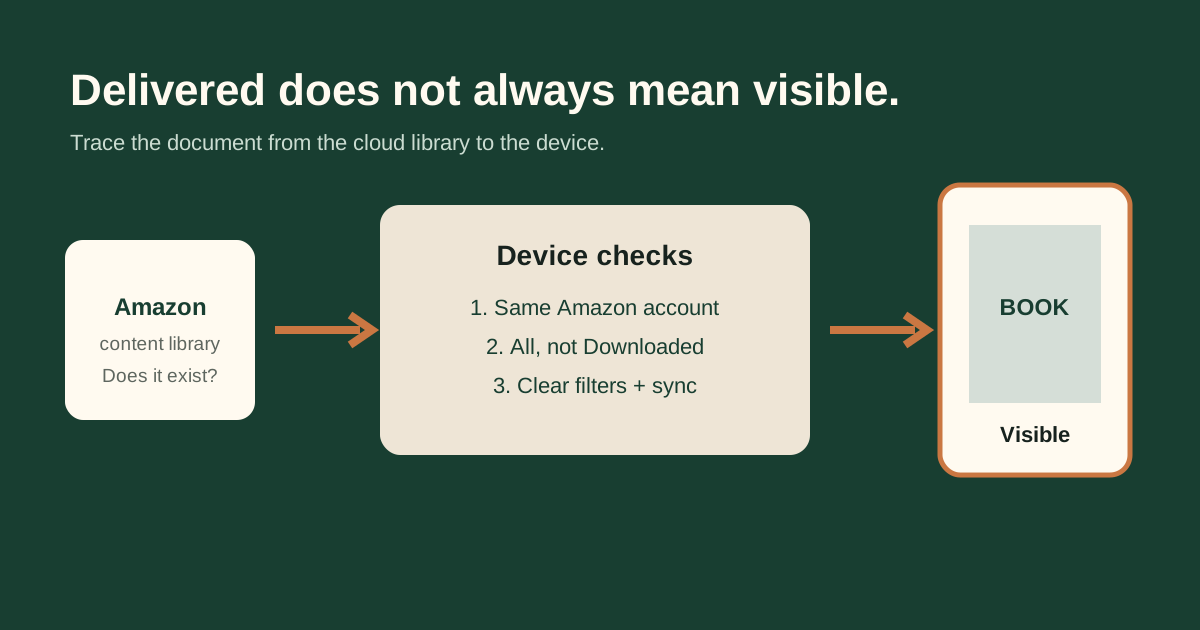
Do not add an ASIN to the EPUB as a guess. First check whether the personal document appears in the correct Amazon account and Library view. If delivery failed, inspect the EPUB container and package. If delivery succeeded but the item is missing, use account, filter and sync troubleshooting.
FixMyEPUB boundary: the browser tools can diagnose EPUB structure and cover metadata. They cannot change Amazon catalog records, publication status, marketplace availability or edition linking.
Not sure which layer failed?
Use the interactive Kindle troubleshooter to separate file errors from account, Library and delivery problems.
Start the Kindle checkRelated guides
- Book not showing in Kindle Library
- Says “In library,” but it is missing
- Wrong EPUB title or author on Kindle