EPUB file
One EPUB fails while a known-good file works. Inspect its package, manifest, spine, XML and cover metadata.
Free interactive diagnosis
Answer five quick questions to separate an EPUB problem from an Amazon service, email, account, library or device problem. Your answers stay in this browser.
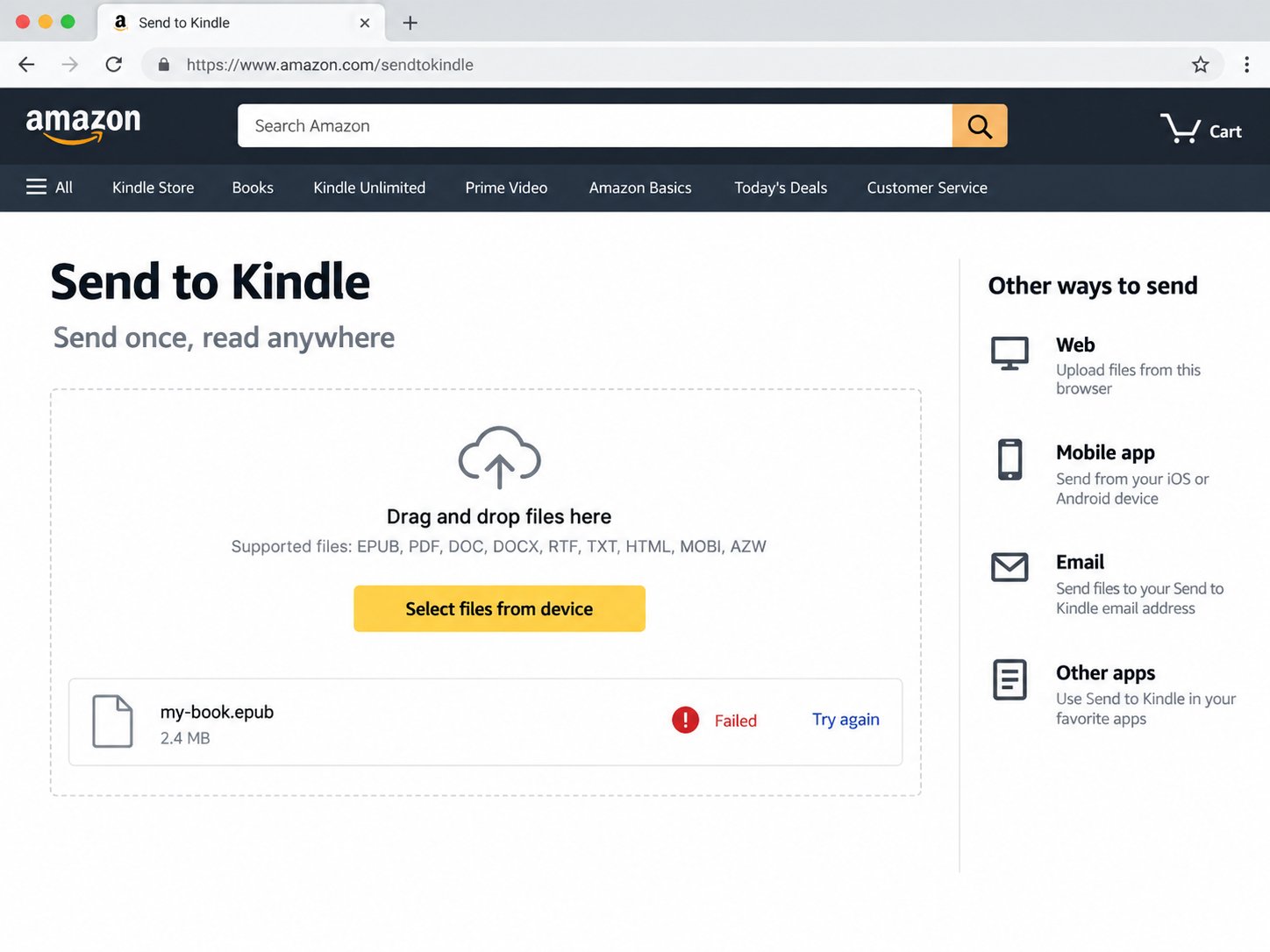
Five-question check
No Amazon login is required. This tool does not contact your account or upload your book.
What this tool separates
One EPUB fails while a known-good file works. Inspect its package, manifest, spine, XML and cover metadata.
Several files fail, stay queued or the service reports an outage. Changing a healthy EPUB will not fix that path.
The item reached the account but is hidden by the account, All/Downloaded view, filters, title metadata or sync state.
Run the private browser check to inspect cover metadata and the package errors most likely to block delivery.
Check this EPUB →Quick answers
No. It is a browser-only decision tool. It cannot see your library, orders or device.
It can identify symptoms consistent with a service or account problem, but it does not claim to provide live Amazon service status.
Repair the file when the same EPUB repeatedly fails while a known-good EPUB reaches the same account through the same route.