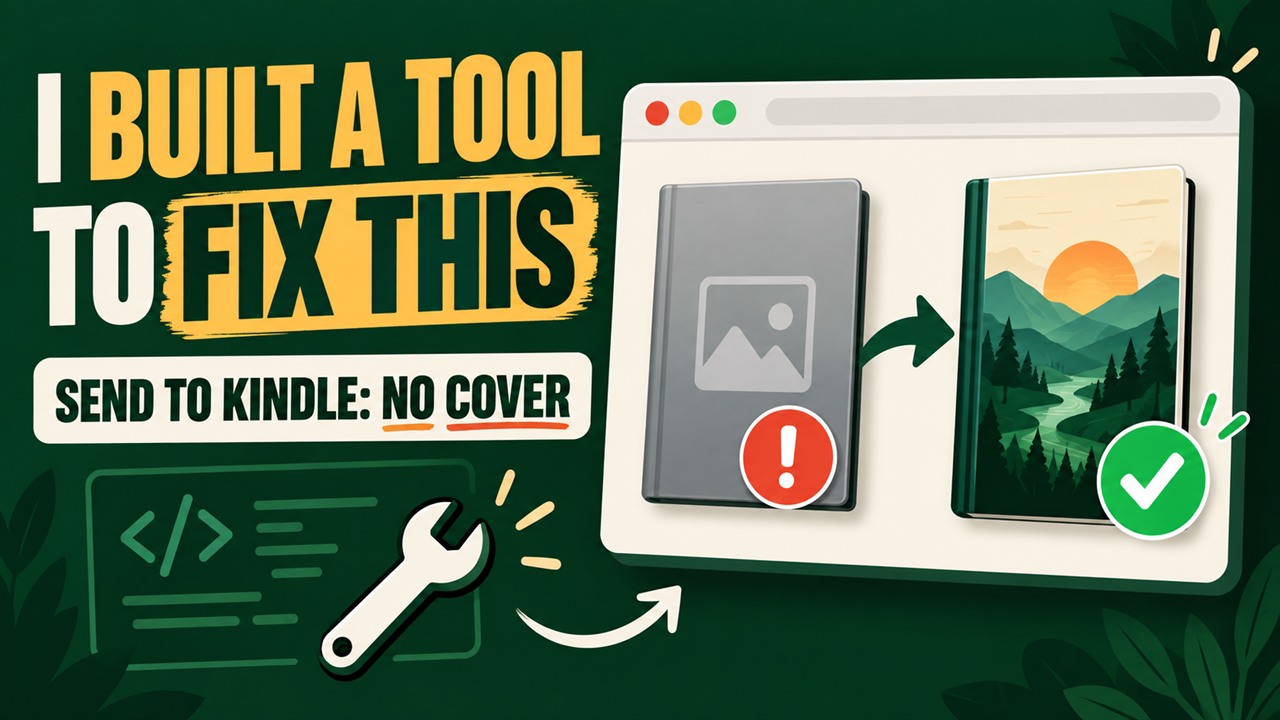
COVERimage + metadata
Find the grey-cover cause
We verify that the artwork exists and that EPUB 2 and EPUB 3 both identify it correctly.
A tiny repair shop for Kindle readers
A private Kindle EPUB fixer for missing covers, broken metadata and Send to Kindle failures. Diagnose and repair a copy locally—your ebook never leaves your browser.
Start with the symptom
Choose the result you can see. FixMyEPUB repairs file-level EPUB problems; account, sync and Library problems follow a different checklist.
Private EPUB check
Choose an EPUB to diagnose its cover metadata and the format issues most likely to block Send to Kindle delivery.
or from your device
Checks cover + delivery format · DRM-free EPUB · Under 100 MBReading the package
Looking for the cover image and its metadata.
Diagnosis complete
Add a JPG or PNG and we’ll wire it into the EPUB correctly.
Repair complete
The cover metadata has been repaired in a new copy. Your original file was not changed.
◆ Your ebook never leaves this browser.
57-second walkthrough
Watch a real EPUB move from upload to diagnosis, cover-metadata repair and a clean download—without leaving the page.
The problem, made visible
FixMyEPUB repairs the EPUB declarations that tell conversion services which image is the cover, then verifies the rebuilt file before download.
Check my cover metadata

Illustrative result. Amazon conversion, device firmware and cached thumbnails can still affect the final display.
Recognize this screen?
This is the other common Send to Kindle failure: the EPUB opens elsewhere, but its package or references do not pass the web uploader’s delivery checks.
See why EPUBs get rejected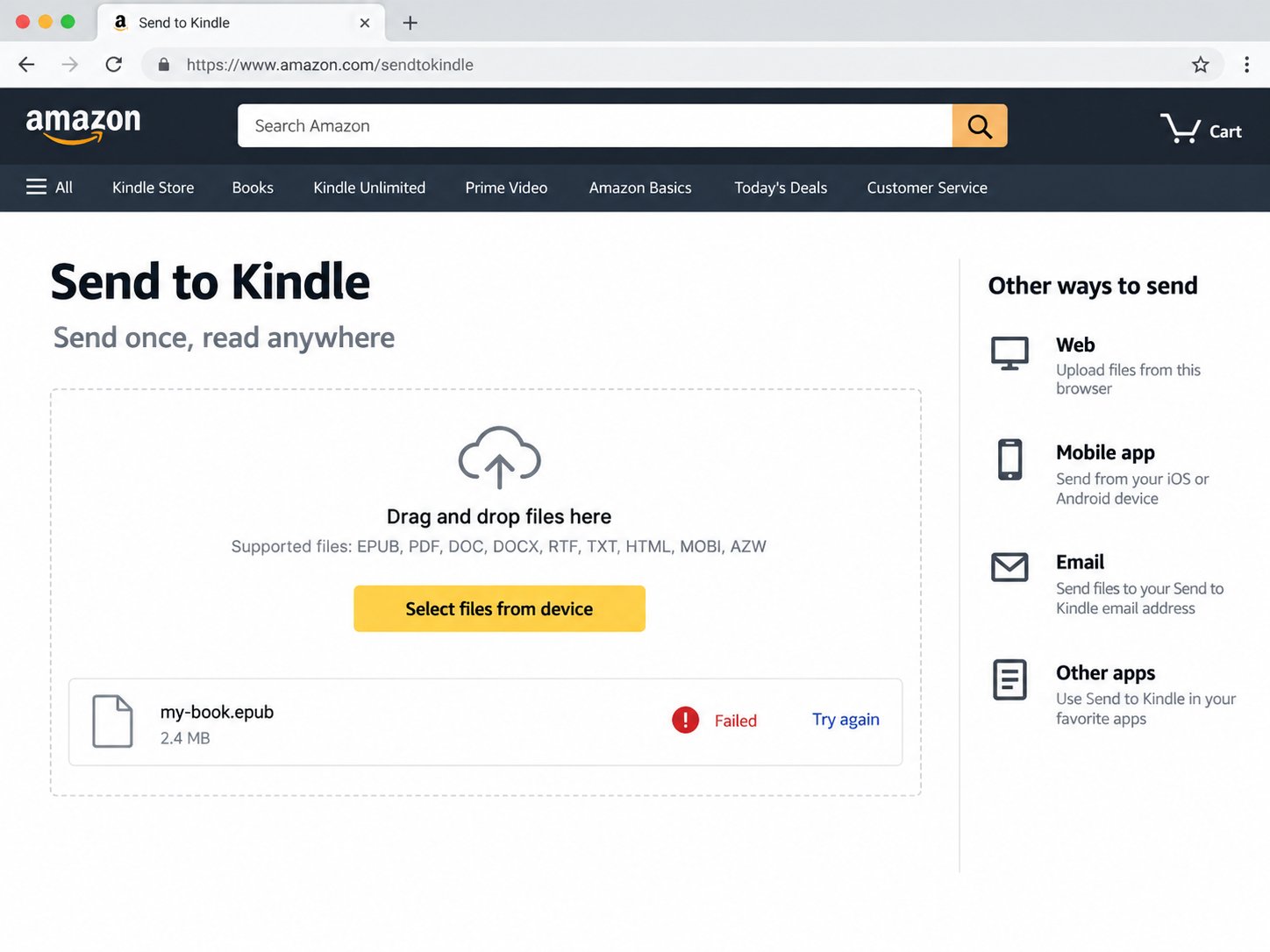
It has a cover in Calibre—but Kindle shows a grey tile, or rejects the file completely.
Why it happens
An EPUB is a package of XML, HTML and image files. Reading apps often forgive small structural mistakes; Amazon’s conversion system may hide the cover or reject the package instead.
We verify that the artwork exists and that EPUB 2 and EPUB 3 both identify it correctly.
We check the container, required metadata, manifest targets, spine references and XML resources.
Safe fixes are written to a separate EPUB and checked again before the download is offered.
A focused diagnostic
Every result explains what was found, what can be safely changed, and when the problem is probably outside the EPUB.
Run a private Send to Kindle check →Embedded artworkIs a cover image actually present in the archive?
EPUB 2 cover metadataDoes the legacy cover tag point to a real manifest item?
EPUB 3 cover propertyIs the image explicitly marked with cover-image?
File path and media typeDo references, capitalization and image types agree?
Container and package structureIs the EPUB packaged in the form Amazon expects?
Manifest and spine referencesDo declared resources and reading-order items actually exist?
XML readabilityCan the package and content documents be parsed safely?
Send to Kindle help
Focused troubleshooting guides for missing covers, rejection emails and EPUB package errors.
Kindle EPUB fixer
See what the browser tool checks, what it repairs, and when the problem is outside the EPUB.
Open the EPUB fixer guideMissing cover
Learn why an EPUB can show a cover in Calibre but arrive on Kindle as a grey document.
Read the cover guideDelivery rejected
Trace package, manifest, spine and XML problems behind Amazon’s generic rejection email.
Read the rejection guideEPUB metadata
Understand EPUB 2 and EPUB 3 cover declarations without opening a code editor.
Read the metadata guideMissing from library
Use the interactive checklist to separate delivery, account, filter and sync problems.
Start the library checkBefore you upload
No. We can repair detectable problems inside the EPUB, but Kindle apps, device firmware, download state and Amazon’s conversion service can also affect thumbnails. If your EPUB is already healthy, we’ll tell you instead of making unnecessary changes.
Common causes include invalid package XML, a malformed container, missing manifest resources, broken spine references or incorrect ZIP packaging. The diagnostic names the blocker it can prove without guessing.
No. The EPUB is opened and rebuilt locally by your browser. It is not sent to FixMyEPUB or stored on a server.
The cover repair only changes package metadata and, when necessary, the selected cover resource. It does not rewrite chapters or alter the prose.
No. FixMyEPUB is for DRM-free EPUB files you are allowed to modify. Encrypted or DRM-protected books are not supported.
Remove the old personal document from your Kindle library, then upload the repaired copy through Amazon’s Send to Kindle service. Duplicate copies may retain the old thumbnail.
Before you send it again