Delivery error guide
Why Send to Kindle rejected your EPUB
Amazon’s rejection email is often generic. The useful answer is usually inside the EPUB: a malformed container, missing package resource, broken reading order or XML file that cannot be parsed.
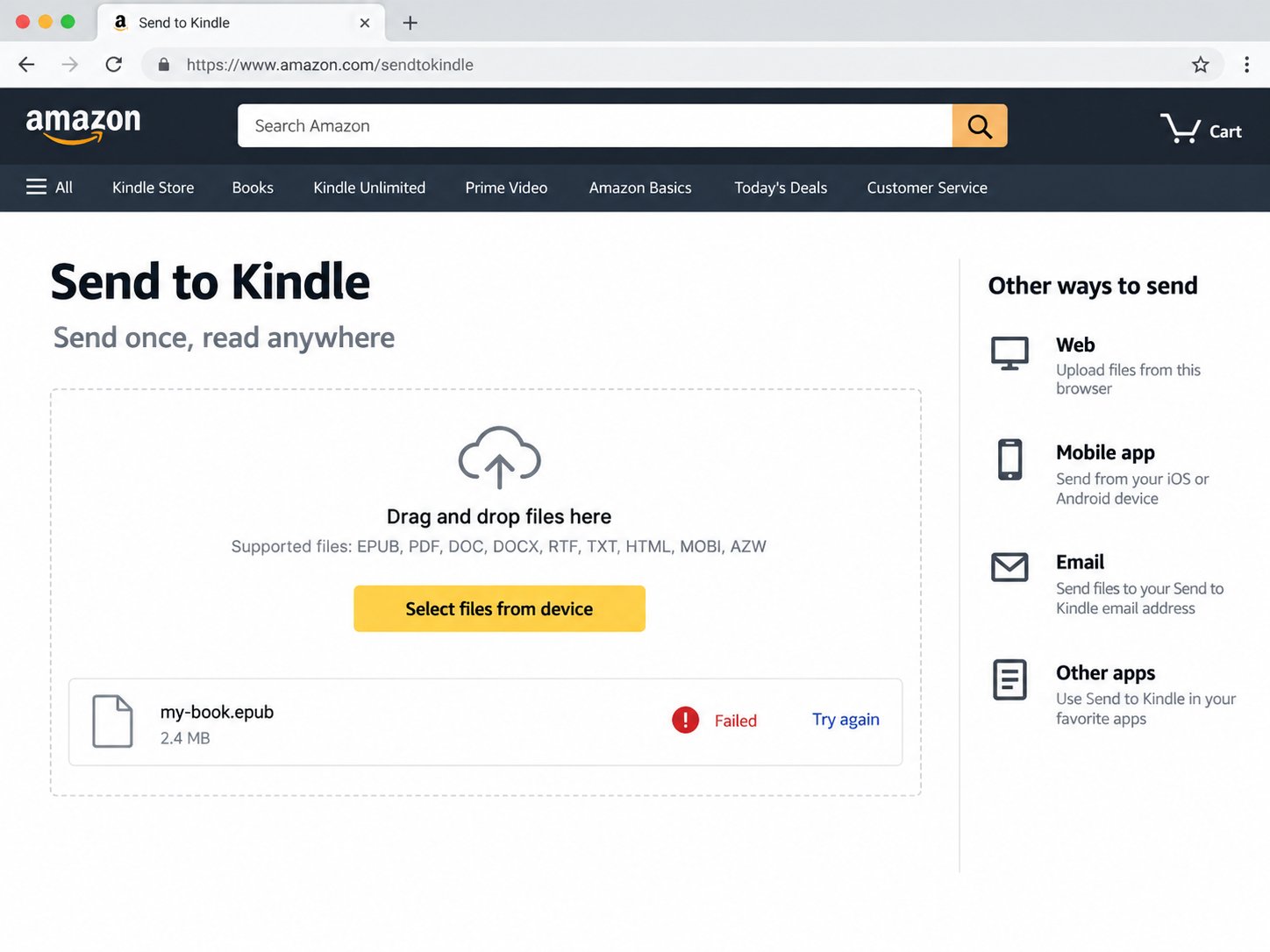
Amazon officially lists EPUB as a supported Send to Kindle file type. That does not mean every file ending in .epub is structurally valid. EPUB is a defined package format, and conversion systems need to locate and interpret its package document before they can create a Kindle document.
Start with the EPUB container
The EPUB specification defines an OCF ZIP container. A root-level file named mimetype identifies it as application/epub+zip, while META-INF/container.xml points to the package document. If either part is missing or packaged incorrectly, a converter may not reach the book content at all.
The W3C specification requires the mimetype file to be the first file in the physical ZIP container and stored without compression. General ZIP tools do not always preserve those constraints. Rebuilding the archive correctly is a deterministic repair because it does not change the book’s content.
Check the OPF package document
The OPF describes the publication. It carries metadata, lists resources in the manifest and defines the default reading order in the spine. Three failures are especially useful to diagnose:
- Missing required metadata: title, language or identifier is absent.
- Missing manifest resource: the OPF declares a chapter, image or stylesheet that is not present at the resolved path.
- Broken spine reference: an
itemrefpoints to an ID that does not exist in the manifest.
These are not cosmetic warnings. A conversion service cannot reliably construct the publication if the declared resources or reading order do not resolve.
Malformed XML is another common blocker
The package document and EPUB XHTML content are XML-based. An unclosed element, invalid nesting or illegal control character can make a strict parser reject a file that another reading application appears to tolerate. A good diagnostic should name the affected resource instead of replacing large sections of markup blindly.
Do not rename a random ZIP to EPUB. The file must contain the required EPUB structure. A valid extension alone cannot create a package document, manifest or navigation.
What can be fixed automatically?
Container normalization and consistent cover declarations can be repaired and verified mechanically. Missing chapters, conflicting reading orders and badly damaged XML need more caution because an automatic guess can silently remove content or rearrange the book.
FixMyEPUB therefore separates Repairable issues from Blocked issues. A blocked result identifies the structural problem but does not present an unsafe file as fixed. For severely damaged books, return to the source project or export the book again with an EPUB authoring tool.
A practical recovery checklist
- Confirm the file opens as a ZIP-based EPUB and is not DRM-protected.
- Locate
container.xmland the OPF path it declares. - Verify required metadata, every local manifest target and every spine ID reference.
- Parse the OPF and XHTML/XML resources strictly.
- Normalize the ZIP container only after the content checks pass.
- Reopen the rebuilt output before uploading it to Amazon.
Turn the rejection email into a checklist
Run a private browser-based diagnostic before sending the file again.
Diagnose my EPUB