Visual repair
How to fix EPUB formatting
First decide whether the problem is invalid markup, over-specified reflowable CSS or an intentionally fixed canvas. The correct repair depends on that distinction.
Fast diagnosis
Compare two reading systems and two text sizes
If the problem follows the file everywhere, inspect its HTML, CSS and assets. If it appears only in one app, isolate unsupported styling. If the page never reflows, confirm whether it is deliberately marked pre-paginated.
1. Identify the layout model
In a reflowable EPUB, text should adapt to screen size and reader settings. Fixed pixel coordinates, absolute positioning and rigid heights often cause clipping. In a fixed-layout EPUB, exact coordinates are expected—but every page needs explicit viewport dimensions and small-screen testing.
2. Validate before restyling
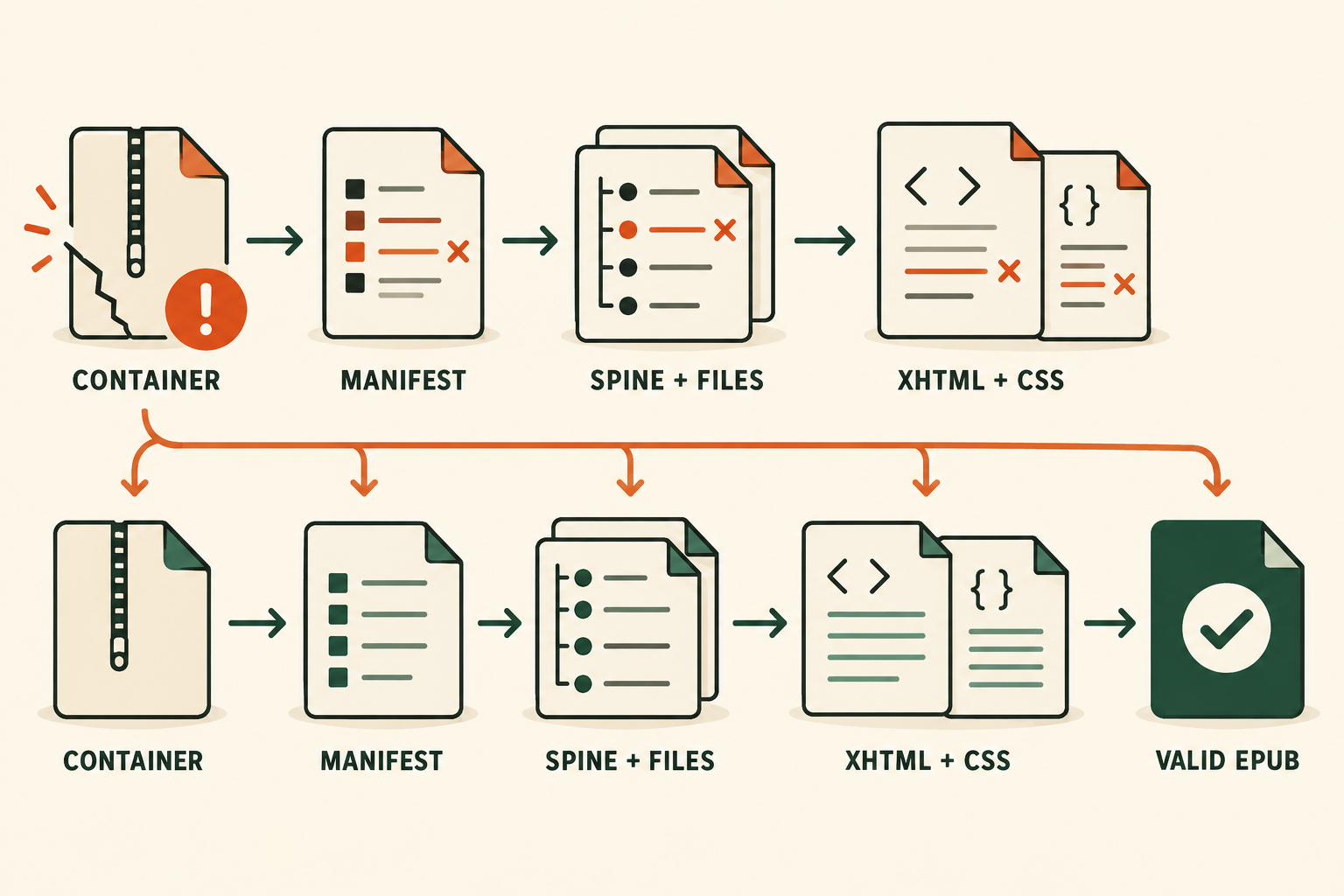
Malformed XHTML or CSS can make a reading system ignore later rules. Run EPUBCheck and fix parsing, missing resource and manifest errors before changing typography by eye.
3. Remove brittle reflowable CSS
- Avoid fixed heights on text containers.
- Use relative units for type and spacing where practical.
- Do not force body text into absolute positions.
- Keep paragraph and heading margins predictable.
- Test enlarged text, line height and narrow screens.
4. Make images responsive
img {
  max-width: 100%;
  height: auto;
}
Keep the intrinsic aspect ratio unless cropping is intentional. Confirm the image exists, is declared in the manifest and uses an EPUB-supported media type.
5. Treat embedded fonts as optional
Define sensible generic fallbacks, verify font paths and avoid relying on a single weight that may not load. Reading systems and users can override publisher fonts; the content should remain understandable.
6. Repair fixed-layout geometry separately
For a pre-paginated book, make the XHTML viewport, CSS canvas and page artwork share the same width and height. Check clipping, letterboxing, spreads and orientation. Do not “fix” it by converting every text element into one image.
7. Test a matrix, not one preview
Preview at least two engines, a small and large viewport, portrait and landscape when allowed, and enlarged text for reflowable content. Record problems by chapter and selector so the smallest reusable CSS correction can be applied.
Is the problem actually structural?
Paste the validator message to separate CSS symptoms from package, path, spine or XML failures.
Explain the EPUB error →