Service availability
Send to Kindle is temporarily unavailable
A service-level message is not evidence that your EPUB is broken. Preserve a controlled test and avoid rewriting the book while the route is unavailable.
Quick answer
What to do first
Save the exact message and time, keep the original EPUB unchanged, and retry later. If you need a controlled comparison, test one known-good file or one alternate official Send to Kindle route. When several files fail together, the service or account is more likely than the EPUB.
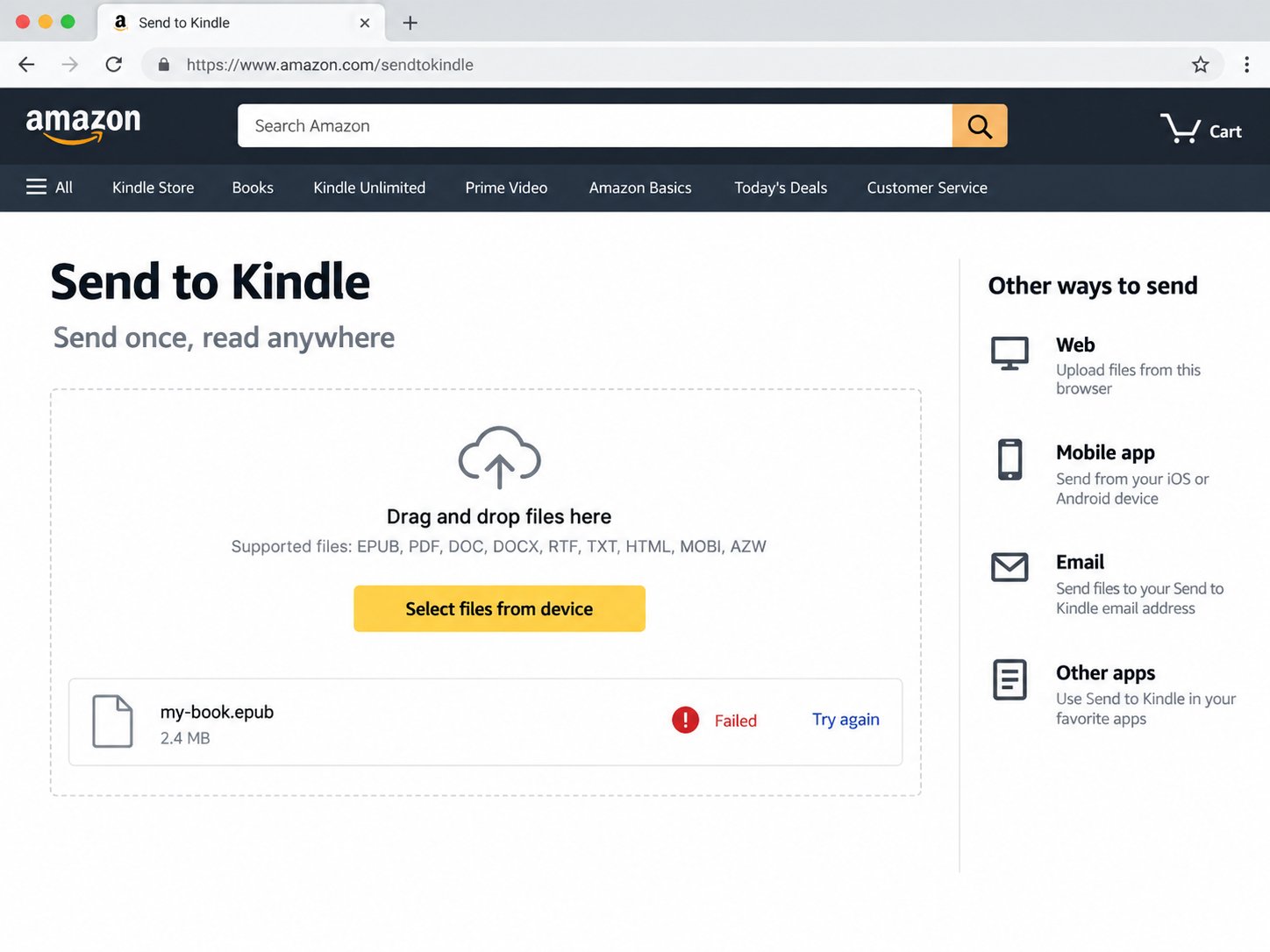
Do not modify the EPUB because of this message
The wording points to availability, not a proven package error. Keep the original file and record whether the message appeared before or after upload. Random conversions can introduce new metadata, image or navigation changes.
Avoid a queue of duplicate attempts
Repeated uploads make later results difficult to interpret and may create duplicate library entries when service resumes. Keep one attempt, note the time and wait for a final result.
Use one controlled comparison
If appropriate, test a small known-good EPUB. If it receives the same unavailable message, stop investigating the target file. You may also compare web and email, but change only one variable at a time.
Check the account before the file
Refresh the official page, confirm the signed-in Amazon account and check whether other account actions work. For email, verify the approved sender and watch for a response.
When file repair becomes relevant
Move to EPUB diagnosis only after the service accepts other files and repeatedly rejects this one. That pattern isolates the document as the variable.
Not sure which problem you have?
Answer five questions to separate an EPUB error from an Amazon account, service, email, library or device problem.
Run the troubleshooter →